Dumpify Documentation
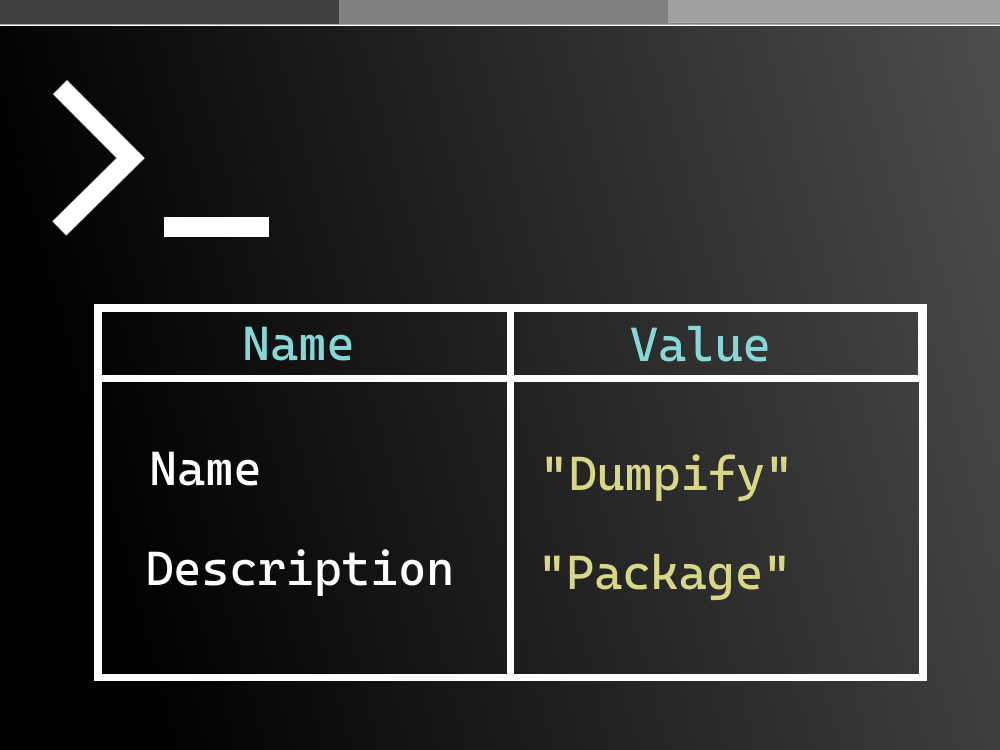




Dumpify is a .NET library that improves productivity and debuggability by adding .Dump() extension methods to console applications. Dump any object in a structured, colorful way to Console, Debug, Trace, or your own custom output.
Table of Contents
Installation
Install Dumpify via NuGet:
# .NET CLI
dotnet add package Dumpify

# Package Manager Console
Install-Package Dumpify
Or use Visual Studio’s NuGet Package Manager.
Quick Example
using Dumpify;

// Dump any object to the console
new { Name = "Dumpify", Description = "Dump any object to Console" }.Dump();

Features
- Universal Object Dumping - Dump any .NET object including anonymous types, records, classes, structs
- Structured Output - Objects are displayed in formatted, easy-to-read tables
- Colorful Console - Syntax highlighting with customizable colors
- Circular Reference Handling - Automatically detects and handles circular references
- Collection Support - Arrays, Lists, Dictionaries, DataTables, and more
- Member Filtering - Include/exclude properties, fields, public/private members
- Multiple Outputs - Console, Debug, Trace, Text, or custom outputs
- Highly Configurable - Extensive configuration options for all aspects of rendering
- Fast - Optimized with descriptor caching for performance
Documentation
Getting Started
- Getting Started Guide - Quick introduction to Dumpify
Configuration
- Configuration Overview - How configuration works in Dumpify
- Global Configuration - Setting up global defaults
- ColorConfig - Customizing colors
- TableConfig - Table display options
- MembersConfig - Member filtering options
- TypeNamingConfig - Type name display options
- TypeRenderingConfig - Value rendering options
- OutputConfig - Output dimension options
API Reference
- API Overview - Public APIs at a glance
- Dump Extensions - All
.Dump()extension methods - DumpConfig - The DumpConfig class
- DumpColor - The DumpColor class
Features
- Features Overview - All features explained
- Circular References - Handling circular dependencies
- Collections - Arrays, lists, dictionaries support
- Member Filtering - Filtering which members to display
- Custom Type Handlers - Adding custom type rendering
- Labels - Adding labels to dumps
- Output Targets - Different output destinations
Examples
- Examples Overview - All examples
- Basic Usage - Common usage patterns
- Advanced Usage - Complex configurations
- Real-World Scenarios - Practical use cases
Target Frameworks
Dumpify is designed to support almost all versions of .NET, providing broad compatibility across the entire .NET ecosystem:
- .NET 10.0 - Latest .NET version with full feature support
- .NET 6.0 - Long-Term Support (LTS) version
- .NET Standard 2.1 - Compatible with .NET Core 3.0+, .NET 5+
- .NET Standard 2.0 - Maximum compatibility including .NET Framework 4.6.1+, .NET Core 2.0+, Mono, Xamarin, and Unity
By targeting .NET Standard 2.0, Dumpify works with a wide range of platforms including .NET Framework, .NET Core, .NET 5+, Mono, Xamarin, and Unity. This means you can use Dumpify in virtually any .NET project, from legacy .NET Framework applications to the latest .NET 10 projects.
License
Dumpify is licensed under the MIT License.